cmd
A software workbench for macOS. Terminals, coding agents, browser, editor and widgets, side by side in one workspace per project, arranged however you work.
Download v0.32.3 View on GitHub
Why I'm building this
For better or worse, I'm going to spend the rest of my working life in terminals. That's where most of my work happens, and it won't change anytime soon. What's increasingly silly is how ineffective my workflow around them has become.
I'm an engineer and designer with 15 years of experience, and yet I found myself shortcut-switching between tabs like a lunatic, trying to remember which session was doing what. Occasionally, I'd stumble across one that had been waiting for my feedback for 30 minutes. I'm objectively a power user, but I didn't feel like one anymore.
Looking at newer terminal emulators and agent tools didn't help much either. Agent orchestrators often impose their own workflows, with crazy levels of engineering and UI complexity.
I started building cmd, a software workbench that embraces very normal workflows (you know... where people do things) and brings my tools together in one place.
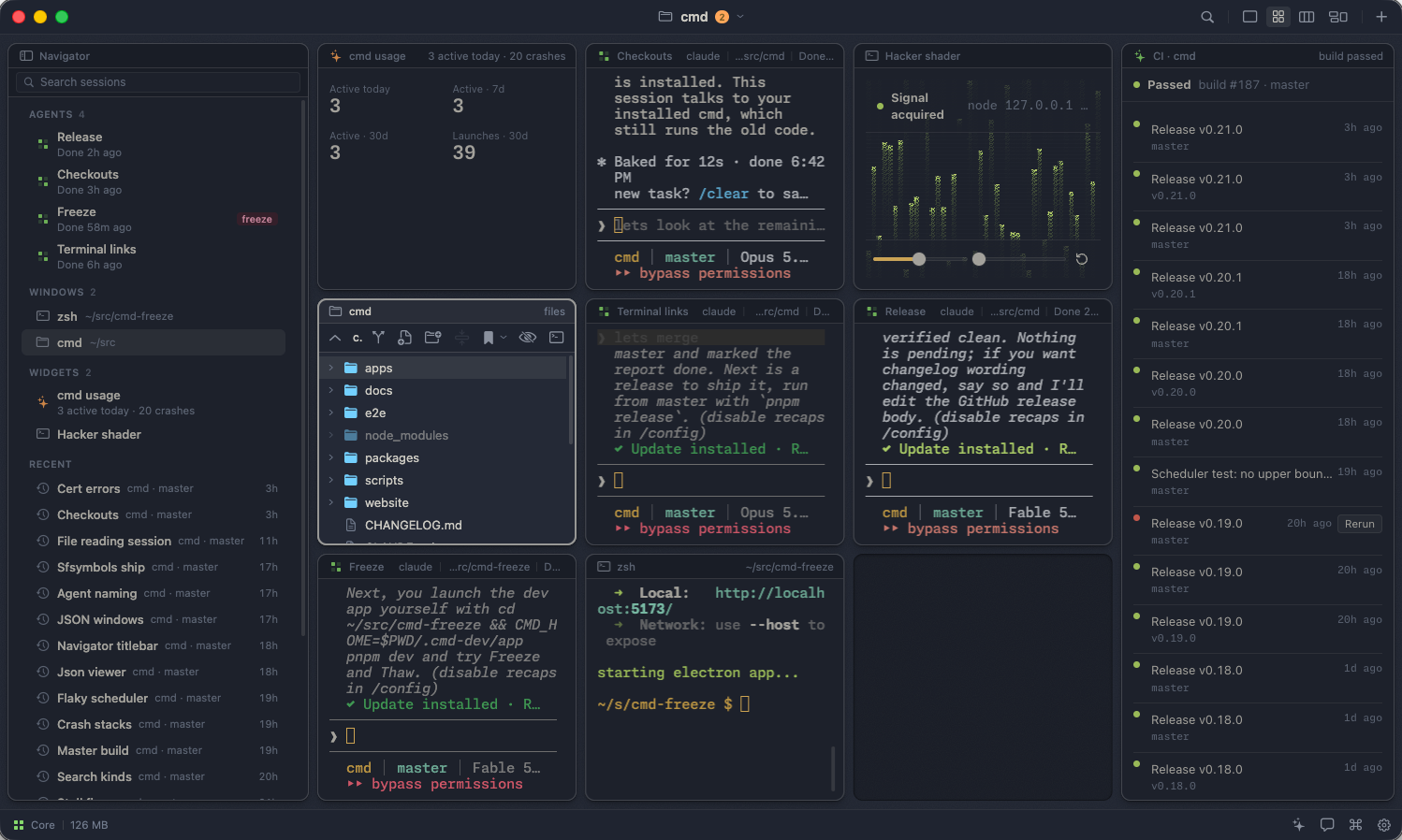
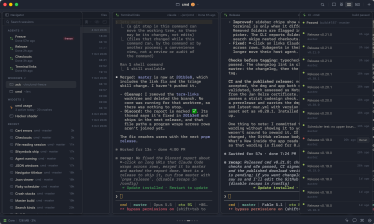
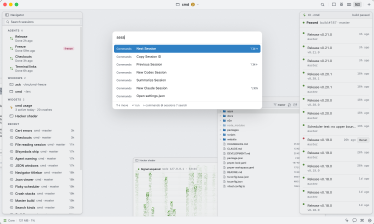
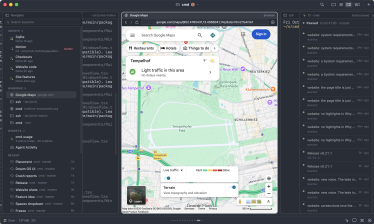
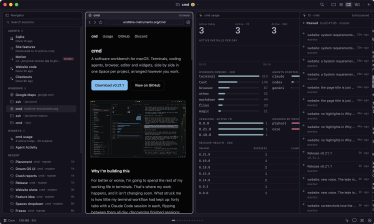
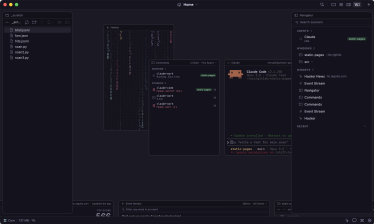
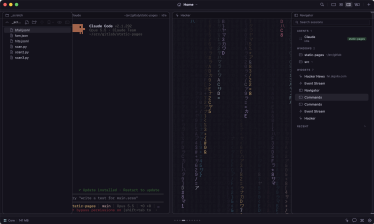
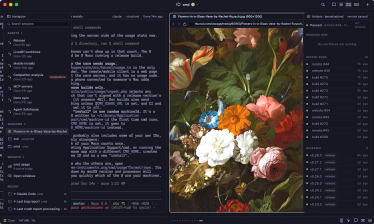
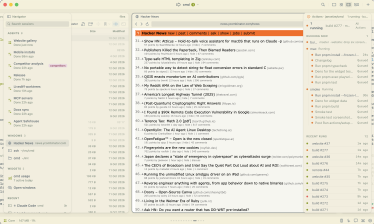
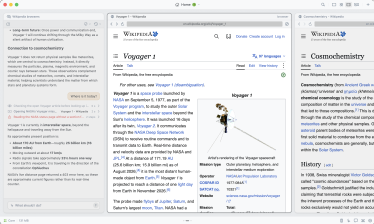
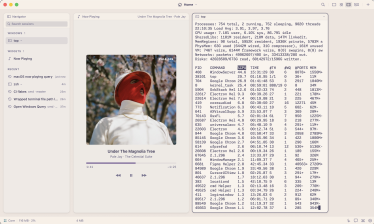
A workspace per project holds everything I'm working on: terminals, browsers, text editors, and more. There are a few view modes, but the Strip, inspired by PaperWM, is by far my favorite. Windows sit side by side in a row you scroll through, making it easy to keep multiple terminals, agents, and a browser in view.
Enable AI in the settings and cmd starts understanding what's happening across your workspaces. It recognizes terminals running agents, helps you keep track of what they're doing, surfaces sessions that need your attention, and suggests smart actions.
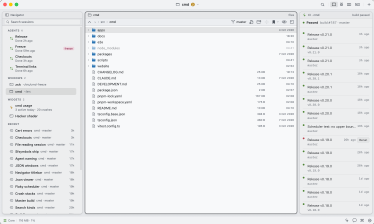
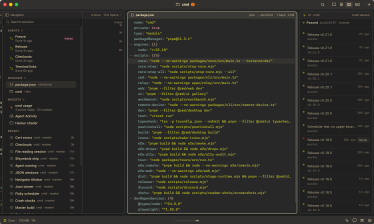
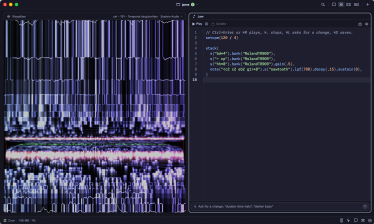
Most of what I open stays inside cmd, too. Open a file from your shell and it appears in the current workspace, whether it's a folder, text or code, Markdown, JSON, a PDF, an image, a SQLite database, a Strudel pattern, or a URL in the browser.
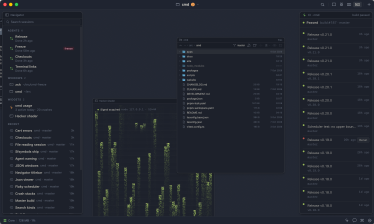
With Magic Widgets, you can prompt new widgets into existence on the spot: open merge requests, queue depth, recent CI runs, or whatever else you need. The built-in agent builds them on top of tools already on your machine, from gh and kubectl to your own scripts.
cmd deliberately stays unopinionated. It bets on terminals and the tools you already know, and on the idea that they'll still matter when the next model arrives.
I'm building cmd mostly for myself, in the open. But I'm hoping it fits your workflow, too.
Workspaces
One per project, with its terminals, agents, browser and widgets. Switch, or give each a window.
Layouts
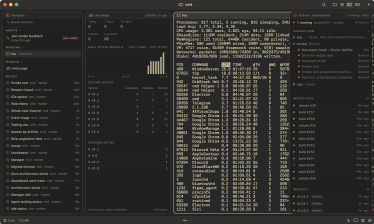
Focus one window, tile a grid, scroll a strip or spread out on a canvas. Dock any as a sidebar.
Agents, recognised
Claude Code, Codex, Gemini, Aider and more, in any terminal, even wrapped. Each named for its work.
Needs you, on top
Waiting agents first, then working, then done. ⌃⌘J jumps to the next one that needs you.
Terminals outlive the app
A background process owns them: quit or update cmd and nothing ends. After a reboot, agents resume.
Search everything
⇧⌘F searches windows, files, past sessions, commands and their output. Return resumes a session.
Your history, kept
Every session, command and commit, on your Mac with secrets redacted. Right-click one for a summary.
Agents that use cmd New
The Operator and your agents open files, run commands and arrange windows in cmd. They ask first.
Magic widgets
Ask for anything: your open PRs, a queue's depth, a calculator. An agent builds it as a live widget.
Workspace Actions
How to run, build and test your project, read from its scripts and task files. One click runs it.
Built-in widgets
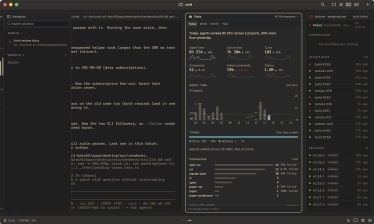
Stats, Jam, Now Playing, Agent Activity and Live Diff across worktrees, in the Widget Library (⇧⌘L).
Remote access Beta
Pair a phone or browser by QR code, end-to-end encrypted. It notifies you while you're away.
Web browser
Beside your terminals, at phone, tablet or desktop size. ⌥⌘I opens its developer tools beside it.
Files and editor
A file browser with git status, and an editor. open README.md in a shell opens it here.
Viewers for your files
Markdown, JSON, PDF, images, video and SQLite open in windows made for them, and follow the file.
Calm notifications
Waiting agents, bells and finished commands mark their window until you look. Nothing else nags.
Keyboard first
⌘K finds windows, commands and sessions. Save your own commands and prompts, each on a shortcut.
Themes and updates
29 themes, light and dark, following the system or not. Updates install quietly when you quit.
Releases
- v0.32.3 Latest 145 MB Download
- v0.32.2 144 MB Download
- v0.32.1 144 MB Download
- v0.32.0 144 MB Download
- v0.31.0 144 MB Download
- v0.30.0 144 MB Download
System requirements
- Mac
- Apple silicon
- macOS
- 13 or later
- Disk
- 350 MB
- Optional
- Anthropic or OpenAI API key